Menus & locations
One brand, with room for each location.
Organize shared dishes while keeping the price and menu differences that each location needs.
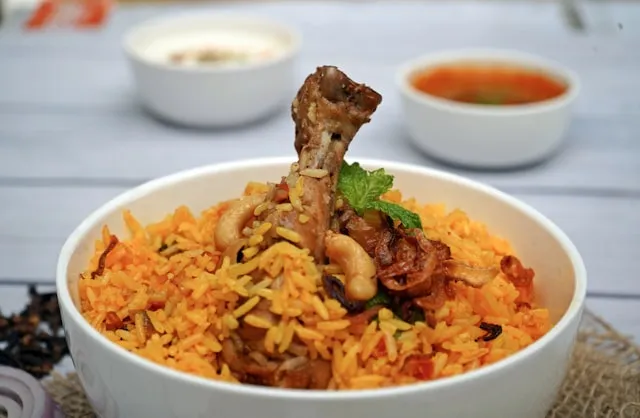
Edit the photo, price and description in the library
Change it once; it updates wherever you've shared it.
Keep every item in one library. Need a different price for one branch or menu? Set it there, without touching the rest.
One menu to maintain — and the link and QR you've shared stay the same.
One menu to maintain — and the link and QR you've shared stay the same.
Start with a shared item
Maintain a common item in your catalog, then use it where needed. Shared content provides a starting point for consistent names and presentation.
Keep a local price when needed
A location can have an item override, and a menu can have its own override. For example, a shared drink can keep a different price in one branch rather than having every edit overwrite it.
Give each menu its context
Different menus and supported schedules help organize when content is shown. Check the intended location, menu and schedule in the public result before relying on a change.
Plan for your actual footprint
Compare the current plan’s location and menu limits with your needs. Digital changes do not rewrite downloaded PDFs, printed copies or unrelated external listings.
Questions, answered
Will changing a shared item overwrite every branch?
Not necessarily. A local override can take precedence over a shared value. Review where the value comes from before changing it.
Can one dish have different prices?
The item model supports location and menu overrides. Check the resolved price in each intended menu.
Are locations unlimited?
Location and menu allowances vary by plan. Compare the published limits or contact us about your restaurant group.