Yella Design
A menu that looks like you, not a cookie-cutter template.
Choose how your menu reads, then tune every part of it yourself. You see each change before you publish.
First impressions, designed by you.
Five layouts, plus styles, fonts and colors, and seasonal themes that switch on their own. Every change shows on the menu as you make it.
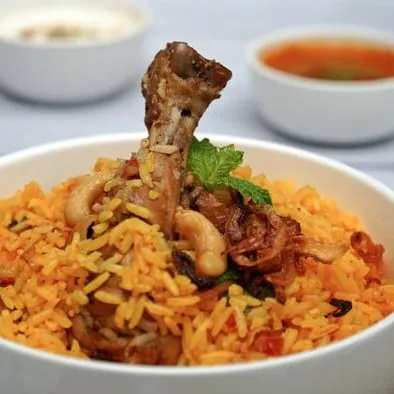
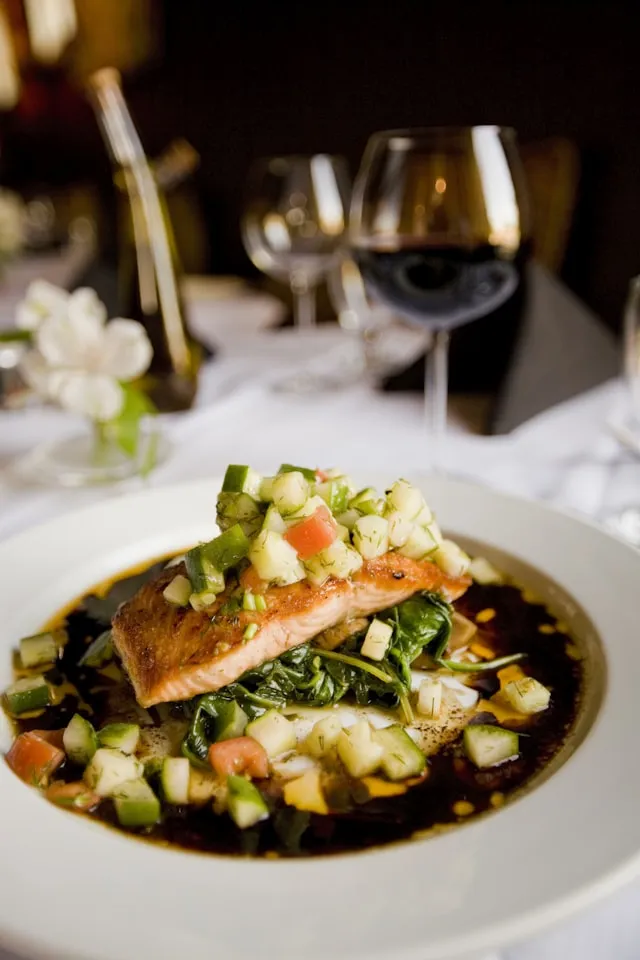

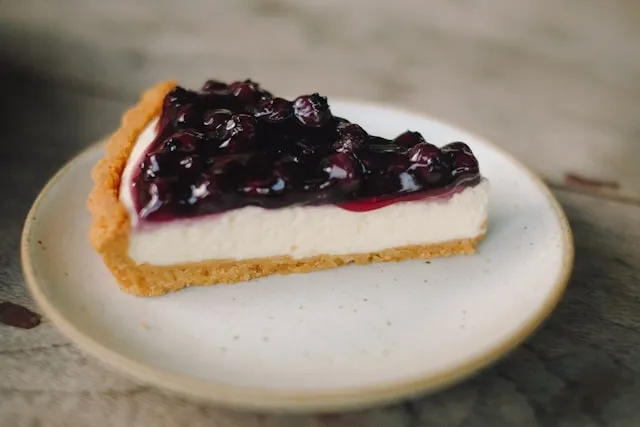
Choose how your menu reads
Many QR menus show every item the same way. Here you choose from five layouts.
Your colors and font carry across every layout.
Five layouts, not one template
Grid for strong photos, List for everyday menus, Magazine for signature dishes, Compact for long menus, and Story for one item at full screen. Switch layouts any time; your colors and font stay.
Every part is yours to change
Tap the price, item name, description, background, cards or buttons, and pick any color, font or corner shape. The Studio warns you when text gets hard to read and suggests a fix.
Seasonal themes that switch on their own
Save a look for Ramadan, National Day or any season, and set its start and end dates. The menu switches during that period, then returns to its everyday look.
Questions, answered
Do I need design experience?
No. Start from a ready-made style or colors from your logo, then change what you like. You see every change live and can undo it.
Can I change the layout later?
Yes, any time. Your colors and font carry over to the new layout.
Will the design hurt readability?
The Studio checks text and price contrast against the background, warns you when it is low, and offers a one-tap fix.