Yella Studio
Pro menu photos, from your phone.
Great food photos take light, a background and skill. Yella Studio does that work for you, and you approve the result.
Your pro food photographer, in your pocket.
Great food photos are hard to get. With Yella Studio, you shoot the item on your phone and it gets it menu-ready for you: better light, and a background in your own style and brand — fast and easy.
- No photographer
- No photo studio
- No design software
Brief your photographer
1The item
2Background
As shot on your phone
3Your touch
4The result
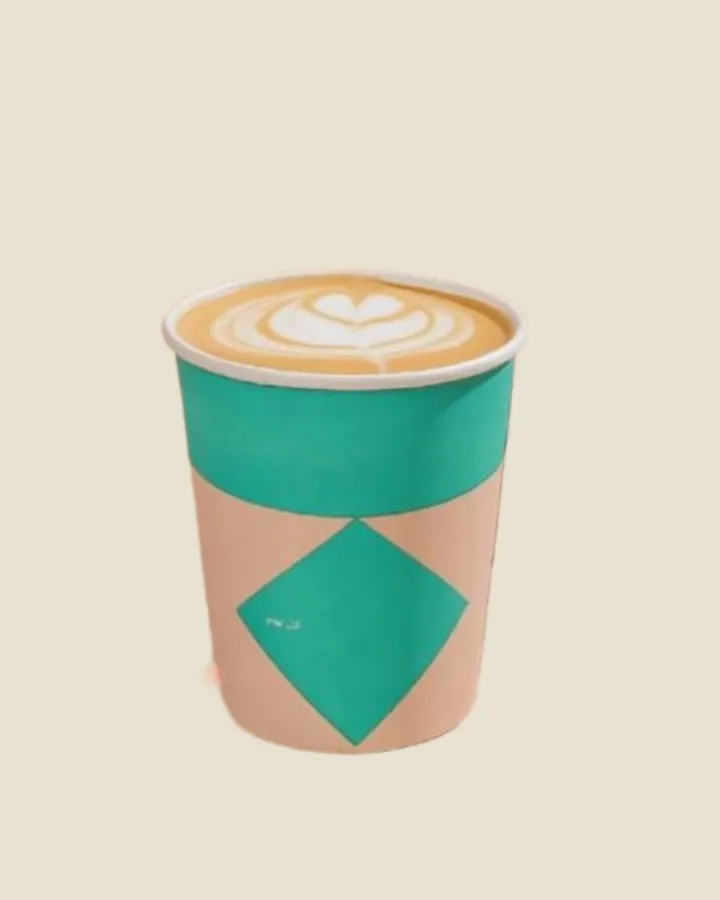
From phone photo to menu
Yella Studio examples — drag to compare
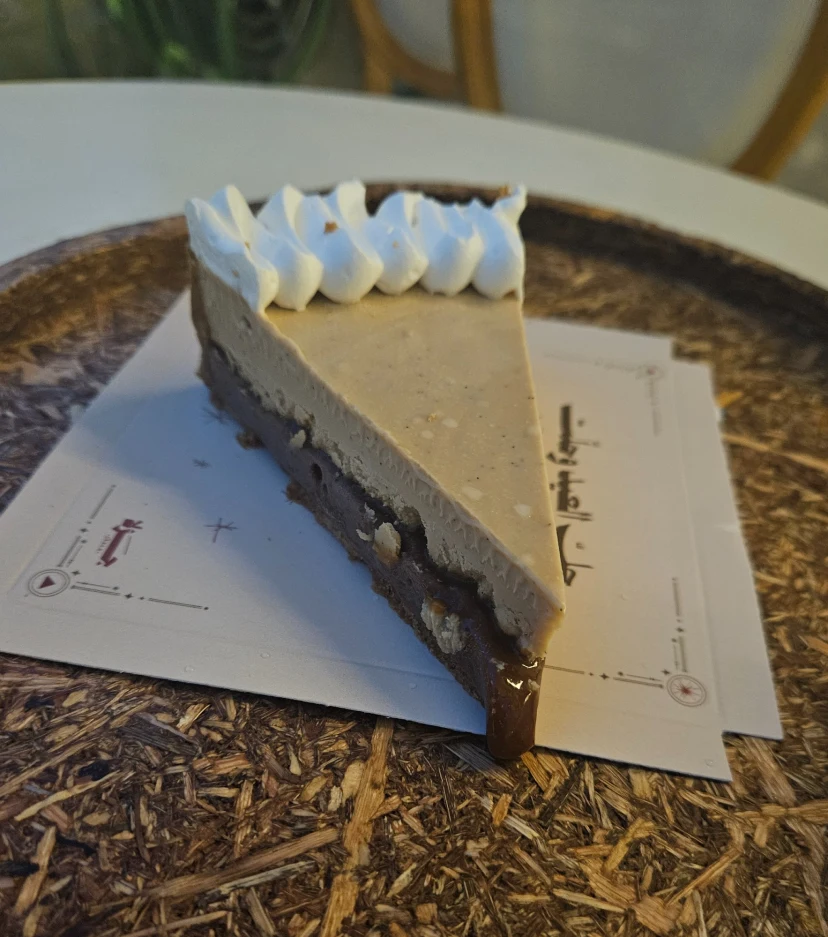
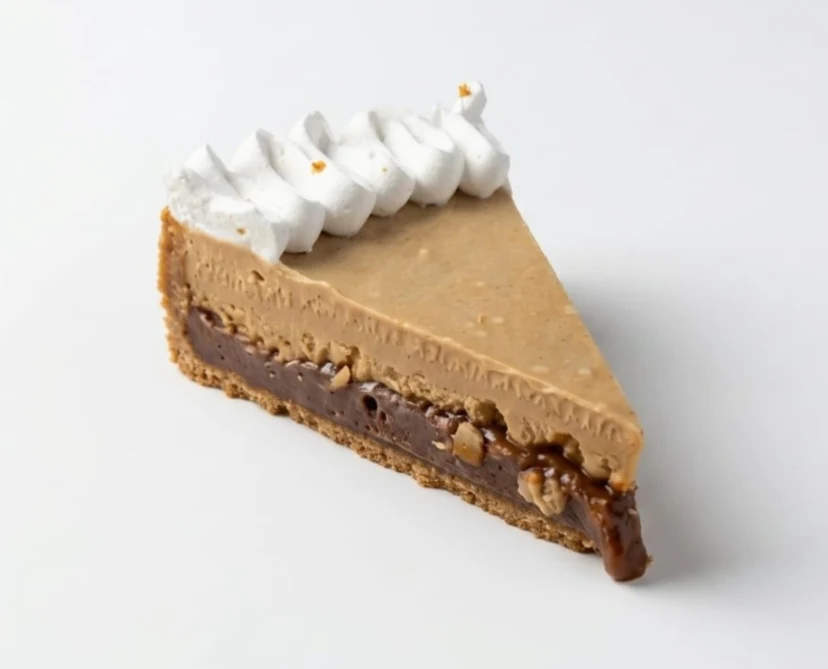
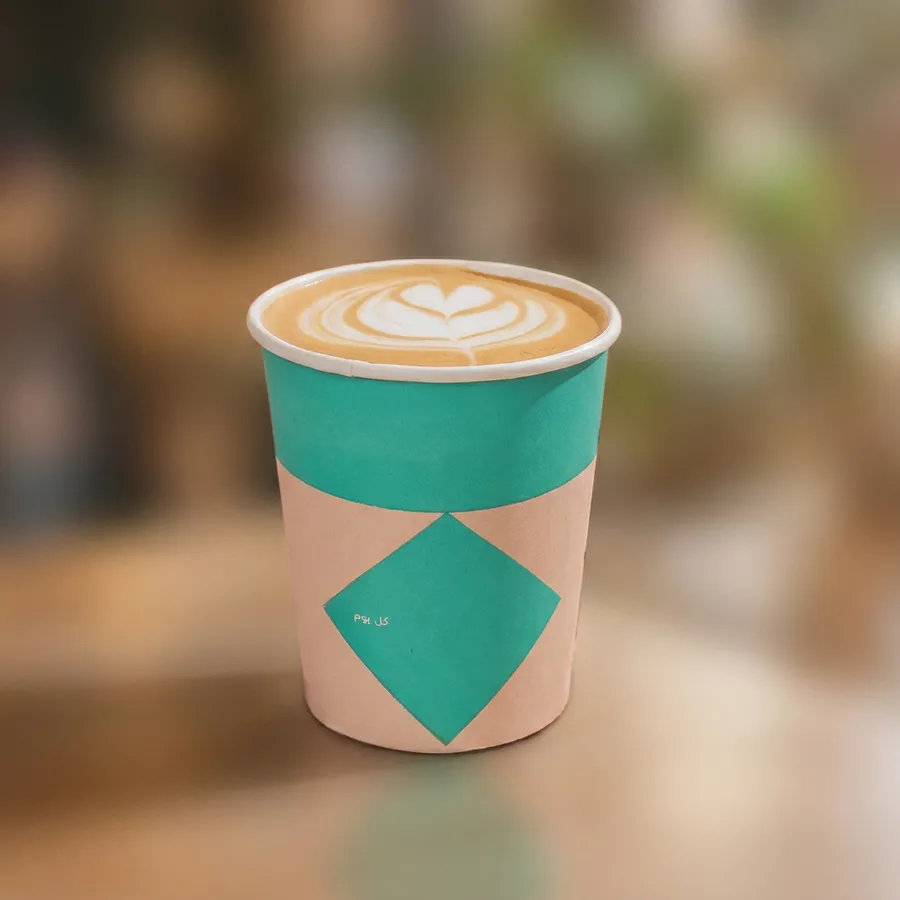
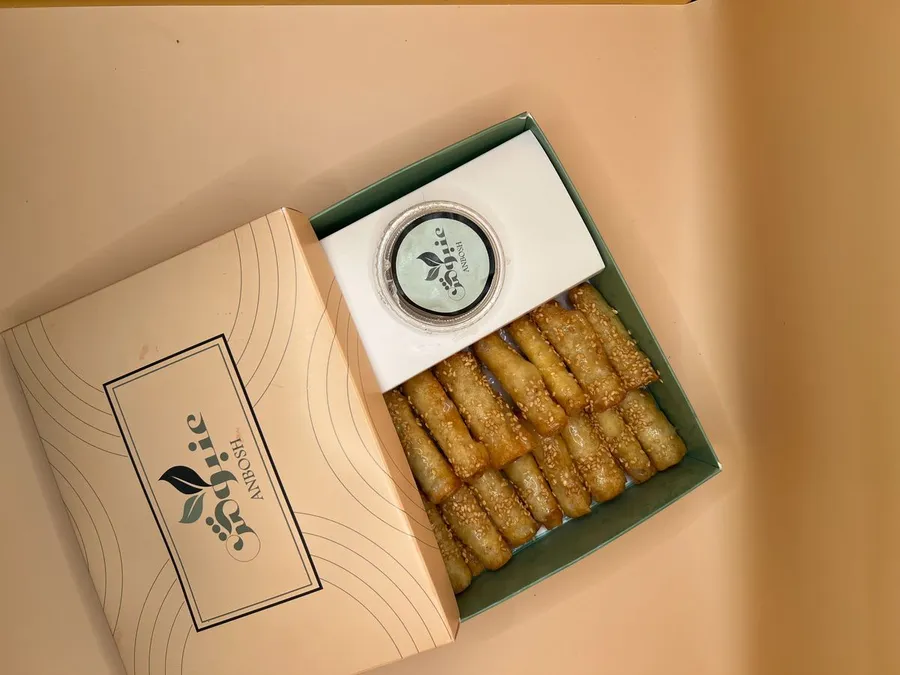
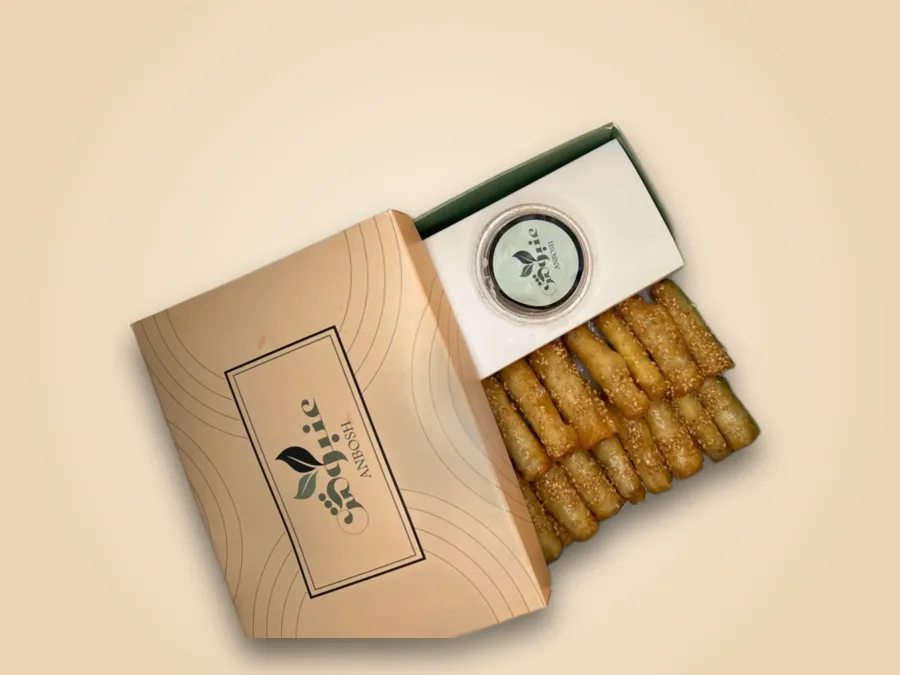
You approve every photo, and you can always keep the original. AI tools use Yella credits from your plan.
Shoot it on your phone
A clear photo of the real item is enough to start. No camera gear, no studio.
Light and a background that fit your brand
Improve light and color, remove the background, choose your brand colors or a pro scene, then add the item name and price.
Ready for the menu
Use the photo in your menu right away, so guests see it on the link and QR code you share.
You approve the result
Compare the result with the original before using it, and make sure it shows the item as you serve it. You can always keep the original.
Questions, answered
Do I need a professional camera?
No. A clear phone photo is enough to start.
Does AI change how the dish looks?
Removing or changing the background does not change the item itself. AI-enhanced scenes can change some details, so review the result against the original before using it.
Is usage unlimited?
AI tools use Yella credits from your plan. Compare plan credits on the Pricing page.