Explore the result
Different restaurants. Different menu identities.
Browse published menu examples and notice how photography, content and presentation shape the guest experience.
Different places. Distinct menu identities.
Browse example menus and see how each restaurant and café brings its character to the menu.
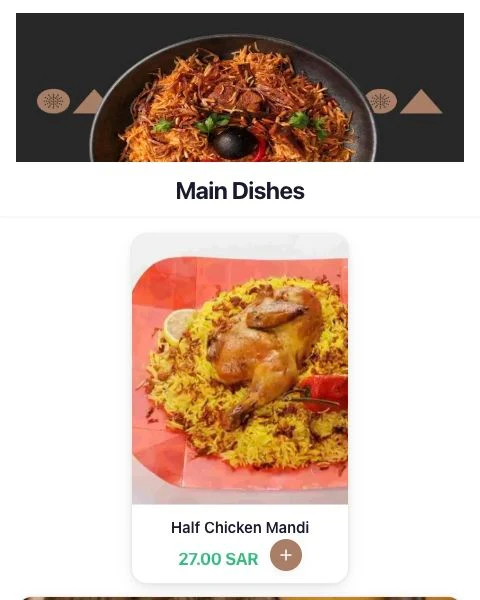
Sahen & Mallas
Saudi & Arabic
Explore the menu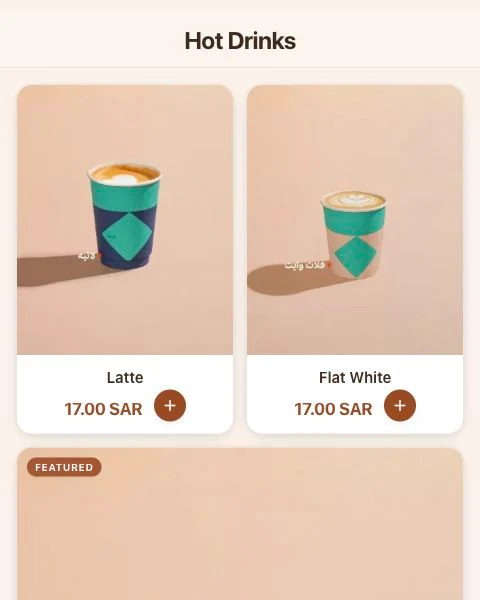
Bash Café & Roastery
Specialty Coffee & Roastery
Explore the menu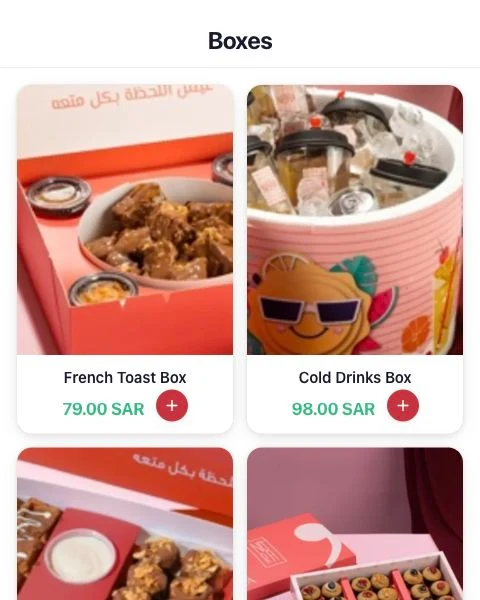
NORD Cafe
Coffee, Desserts & Beverages
Explore the menuMenu captures — open any example to explore the current version.
Look at the first screen
Notice what is visible before scrolling: the restaurant identity, category navigation and the first dishes. Consider what your own guests need to find first.
Open an item, compare the detail
Look at the balance between a name, photo, description and price. Where options are available, notice how they are presented without placing an order.
Use examples as inspiration
Take inspiration from the way each restaurant combines layout, photography and wording. Adapt the available starting points to your own dishes and brand.
Questions, answered
Are these actual menu links?
Yes. Open the gallery links to browse published restaurant menus. The live content may have changed since the screenshots were captured.
Will my menu look exactly like an example?
Your content, photos and design settings shape the result. Choose a supported layout and preview it with your own dishes.
Can I use the same starting layout?
Explore the layouts available in your account and adapt one to your own content. An example’s photos, identity and wording belong to that restaurant.