Your best fit
Shelves
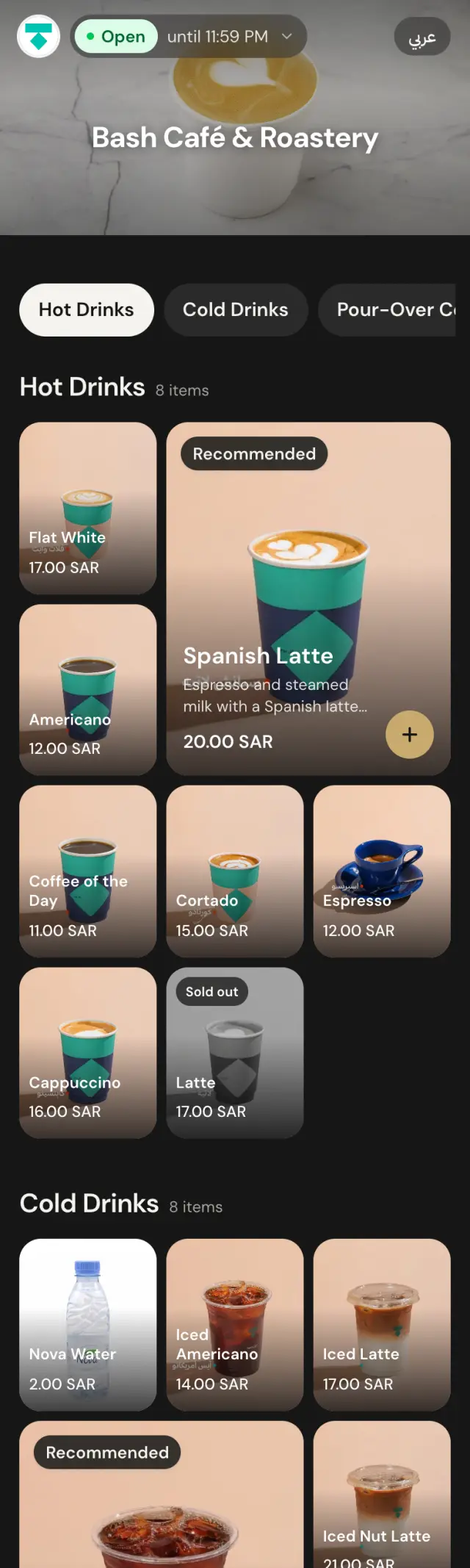
Rows you swipe through, like a streaming app. Featured dishes lead, then one row per category.

The menu lookbook Vol. 01 · Autumn 2026
Sixteen looks for the place you actually run. Pick the one that fits, then recolour it, reset the type, and make it unmistakably yours.
Chapter one · the fitting
Three questions. We pull the three layouts that suit your place, on a real menu, not a mock-up.
Your best fit
Rows you swipe through, like a streaming app. Featured dishes lead, then one row per category.
Also try
Your menu as a magazine. Numbered chapters, full-page photos and room for each dish's story.

A bolder option
A photo mosaic, like an Explore page. Signature dishes get the big tile.

Chapter two · the collection
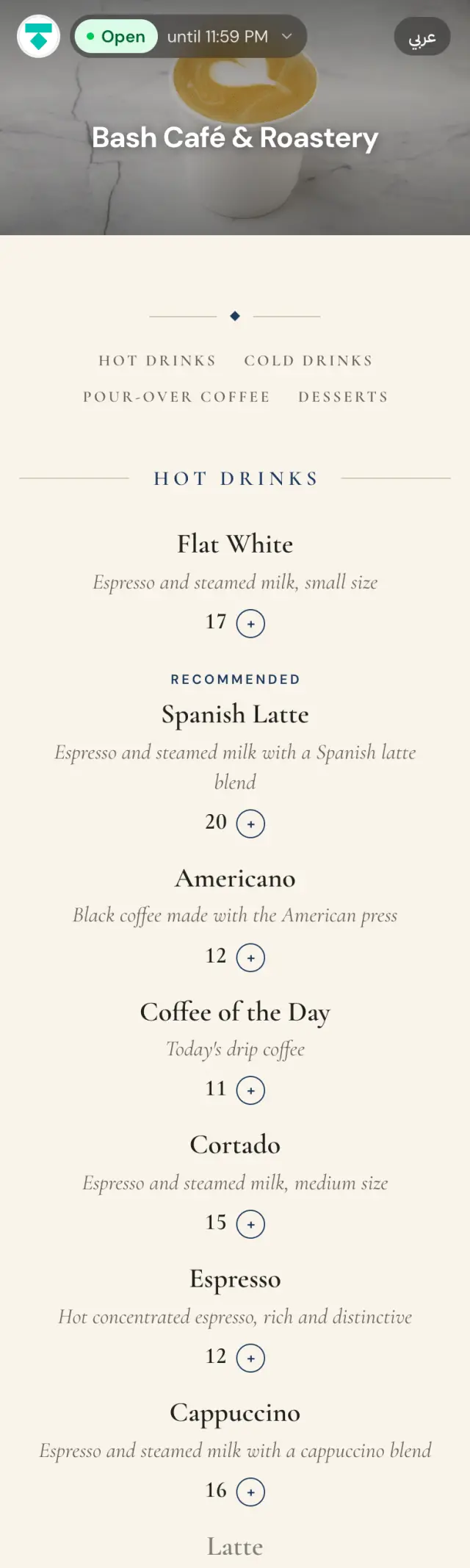
Every plate here is the same café and the same dishes. Only the layout changes.
Rows you swipe through, like a streaming app. Featured dishes lead, then one row per category.
Chapter three · the colourways
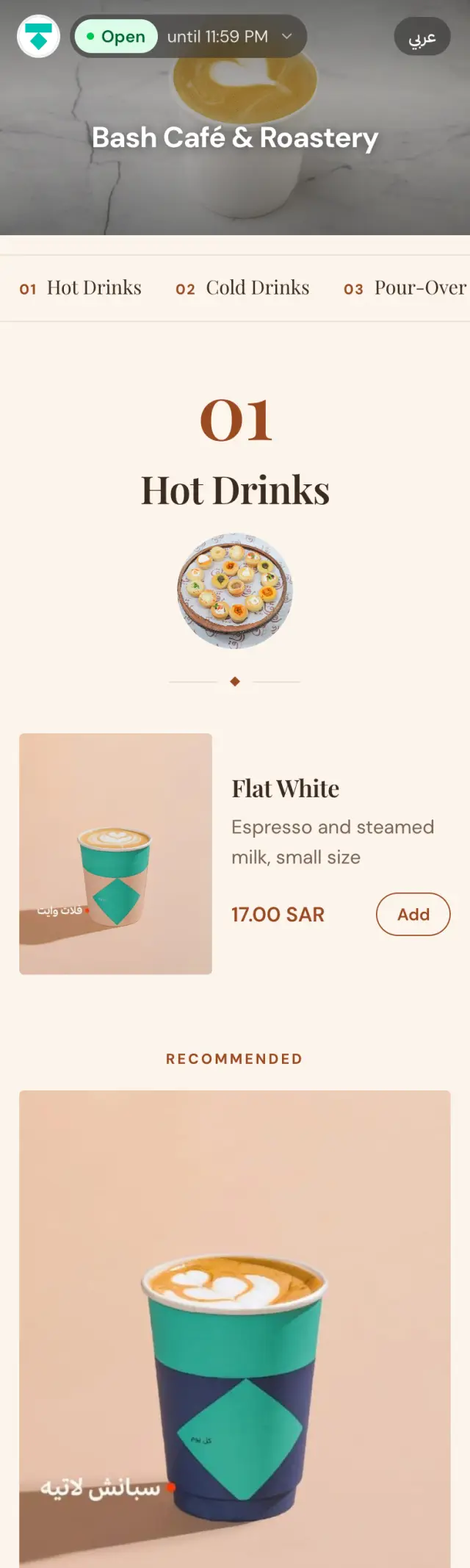
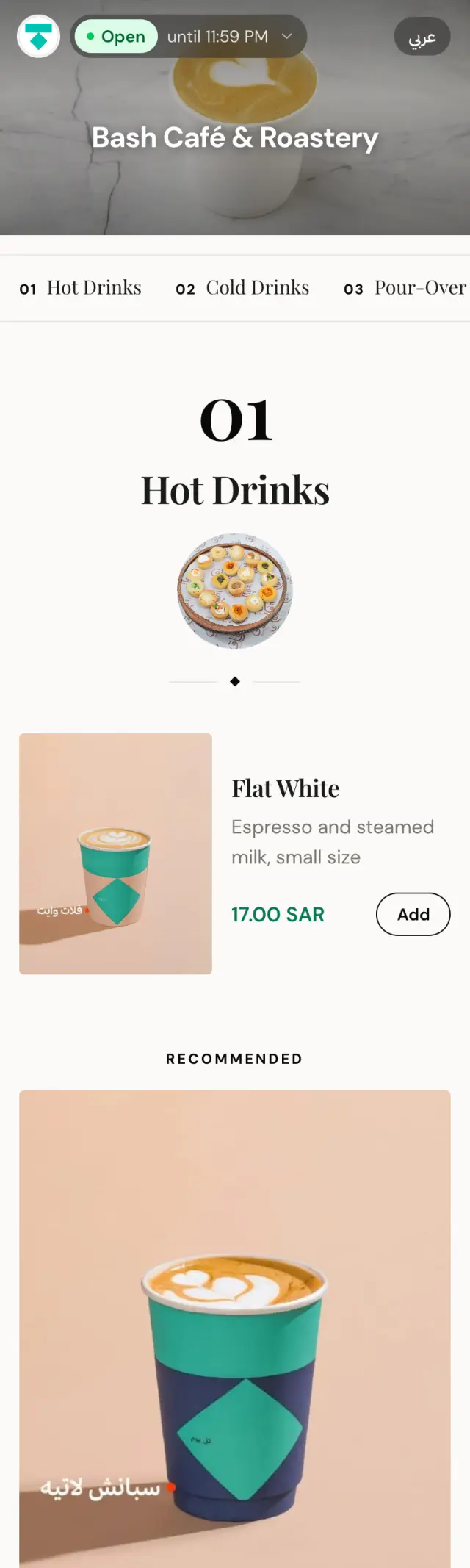
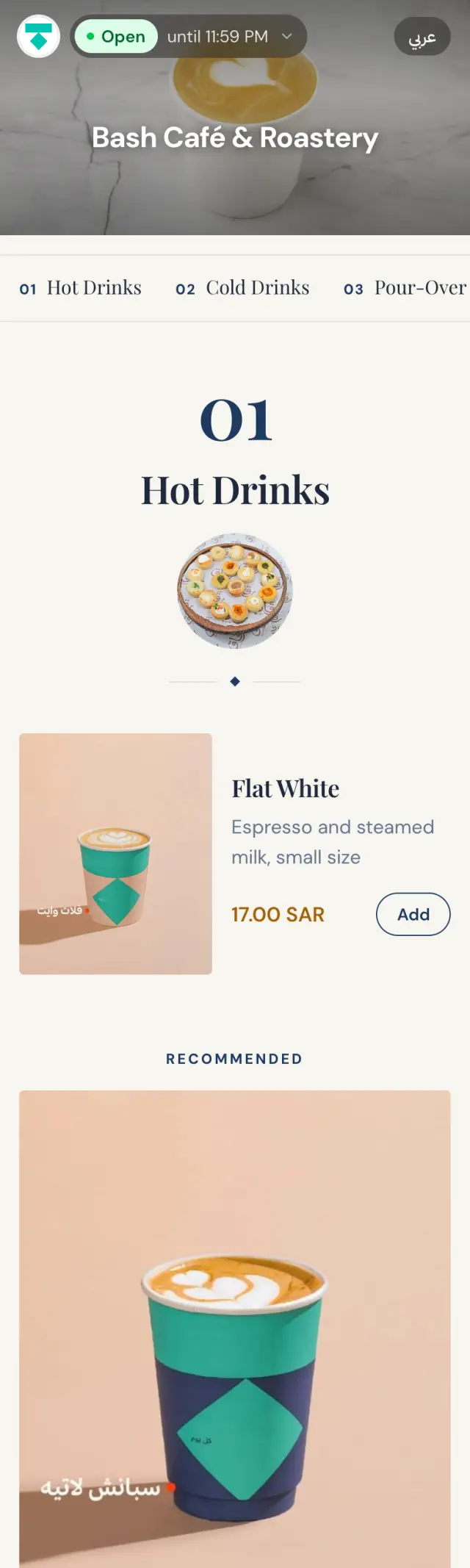
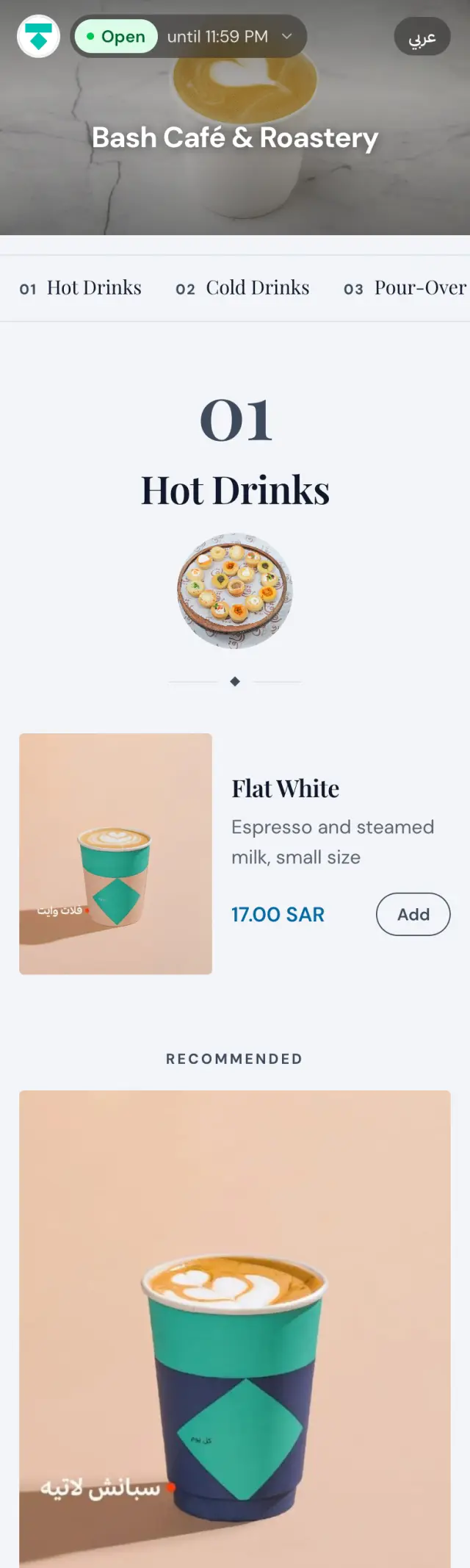
A layout is only the cut. Here is one look in eight colourways, and these are just the starting palettes. Every colour is yours to change.
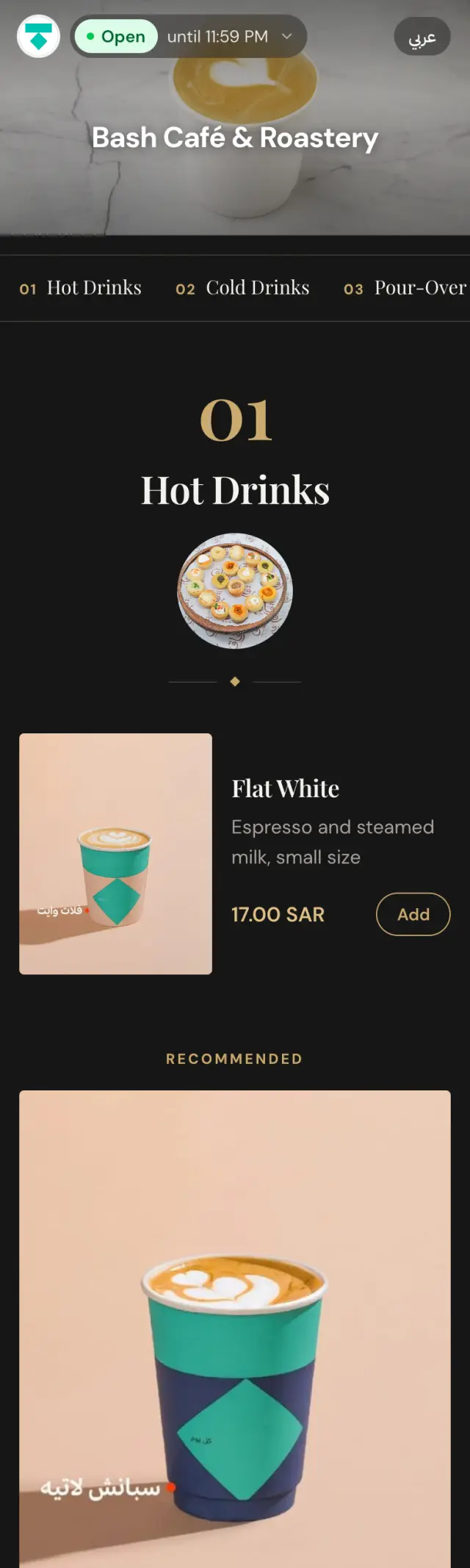
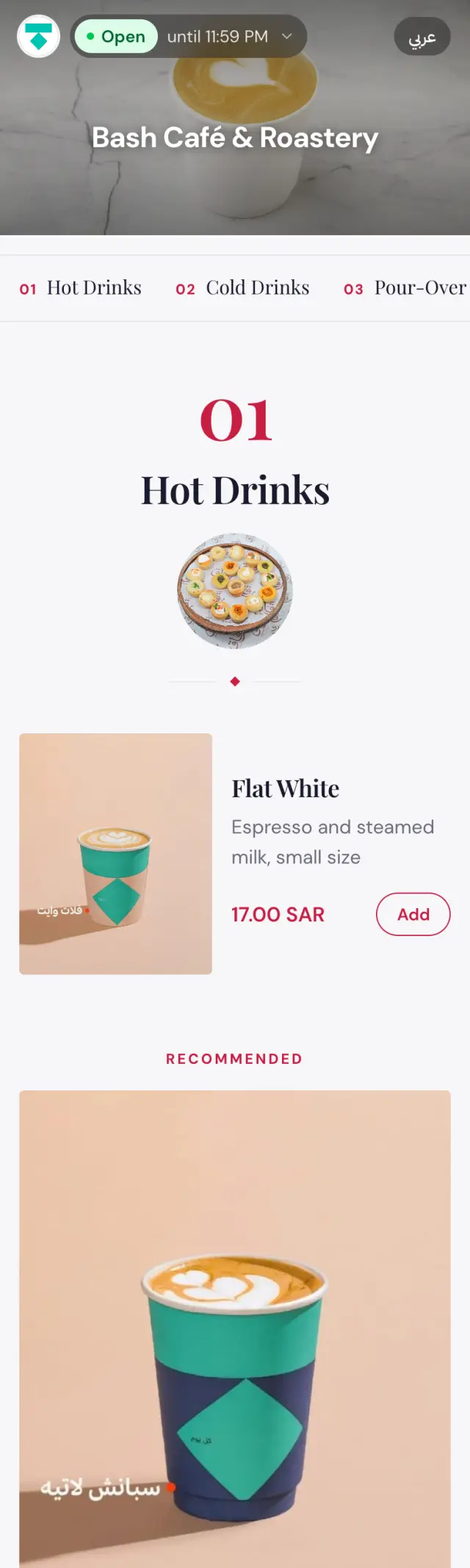
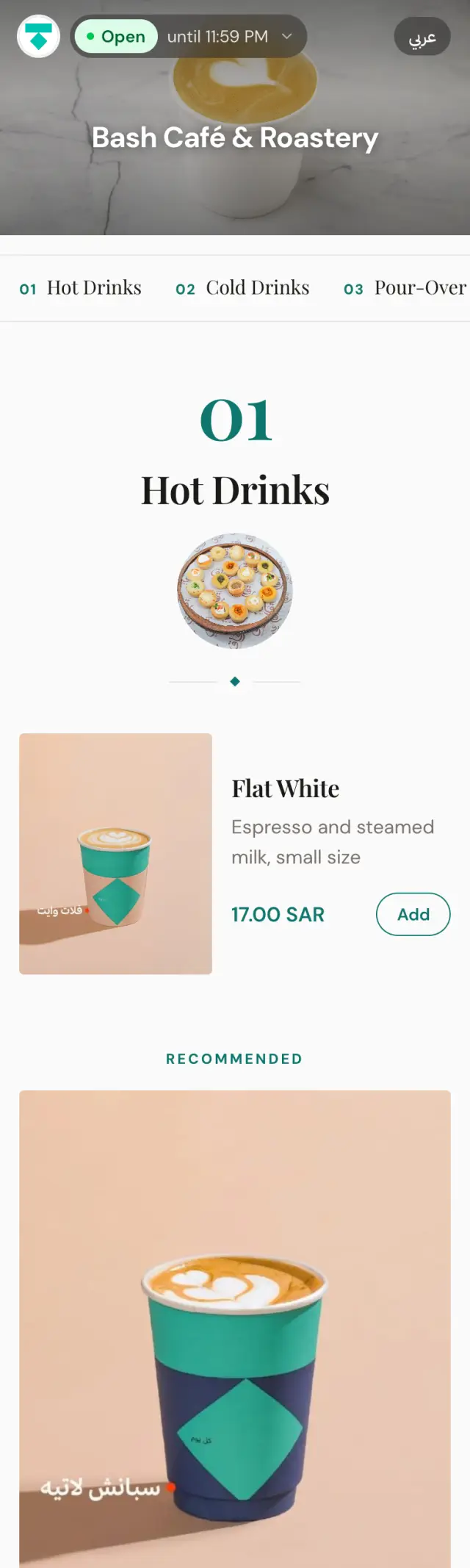
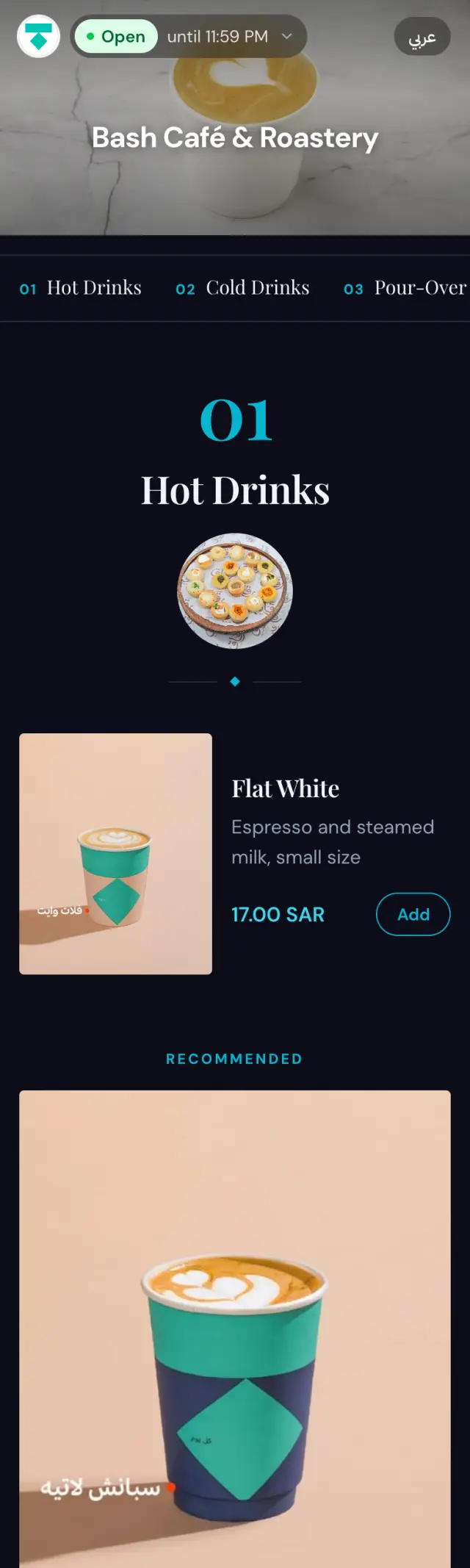
Chapter four · the tailoring
The studio where the look becomes your brand. Click any part of your menu and restyle it. No code, no designer on retainer.
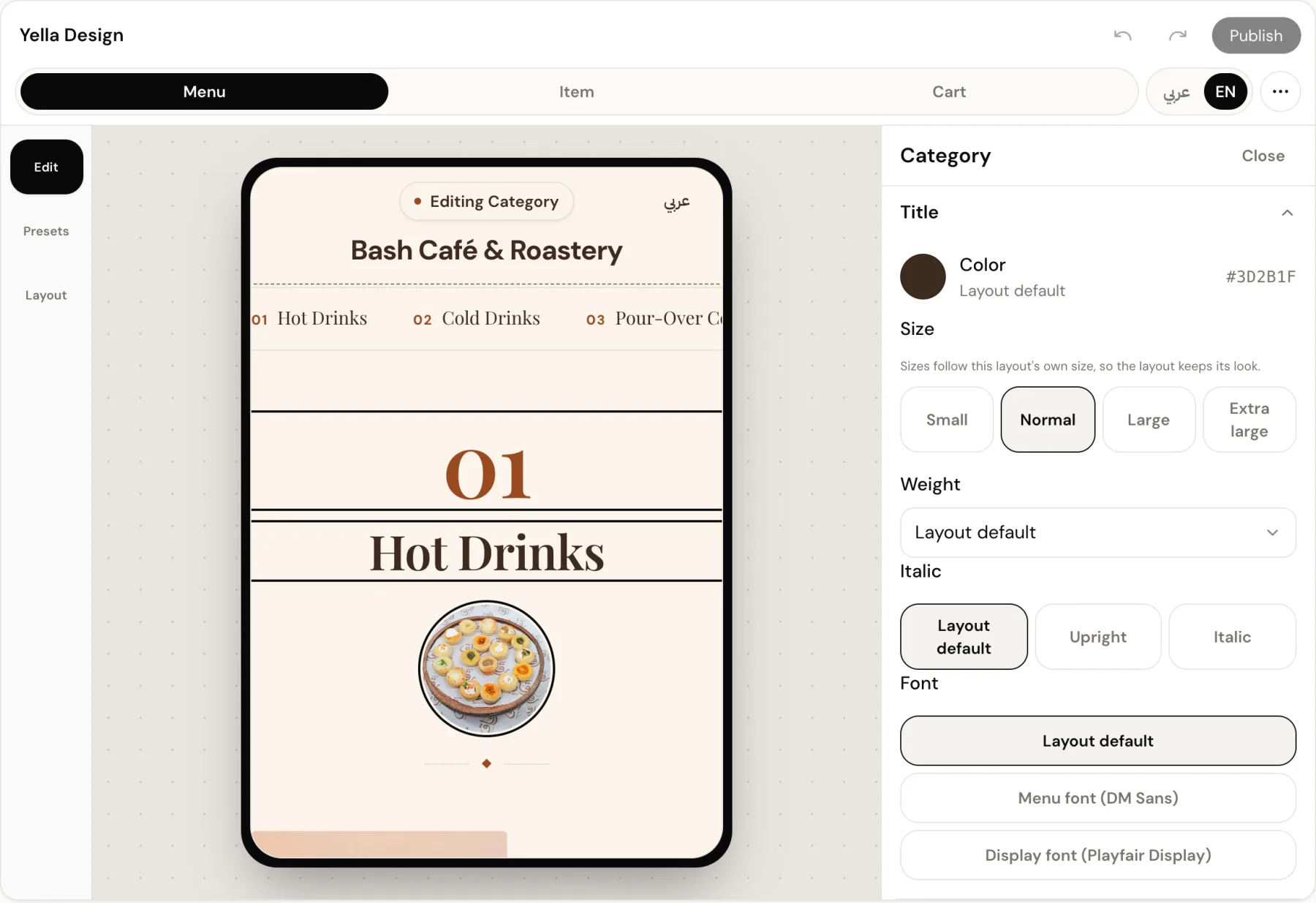
Upload your logo and get three looks (light, tinted, dark), already tuned so every price and name stays readable.
Six menu fonts, three of them Arabic. Set dish names, prices, descriptions and headings separately: size, weight, italics, colour.
Save up to thirty themes. Schedule one for Ramadan, Eid or National Day. It goes live on the date and steps back by itself.
See it on your own dishes
Screens are real captures of the Bash Café example menu. The live menu may differ.
It depends on what you serve, how strong your photos are and how long the menu is. Photo-led layouts such as Bento, Shelves and Lookbook suit menus with good photography. Carte, Menu Board and Compact work without photos. Each layout shows who it is best for.
Sixteen: Shelves, Lookbook, Bento, Carte, Menu Board, Type, Tabletop, Number Board, Pick Deck, Chapters, Menu book, Gallery, Grid, List, Compact and Story. Each one is built for a different kind of menu, and the library keeps growing.
Yes, any time. Your dishes, prices and photos stay as they are, and your colours and font carry over to the new layout. You see the result in the Studio before you publish.
Yes. Save a design as a theme and schedule it with a start and end date. The menu shows it during that period, then returns to your everyday design by itself. You can save up to 30 themes.
Yes. Every layout is designed right-to-left for Arabic and left-to-right for English, and the guest switches language with one tap.