01 / 06
Start with the shape.
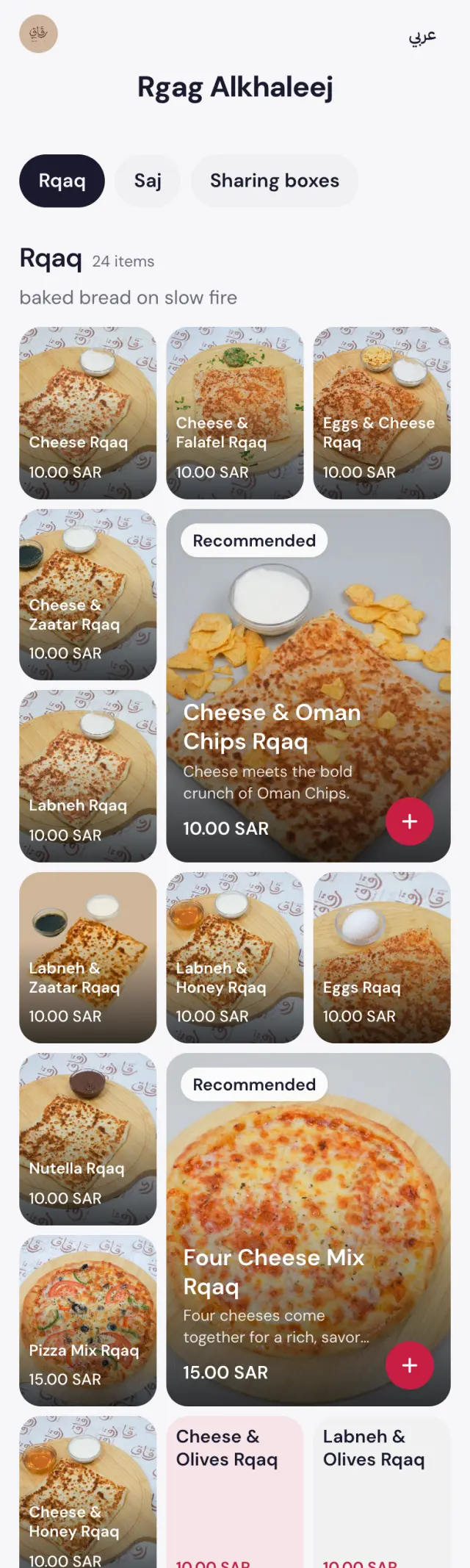
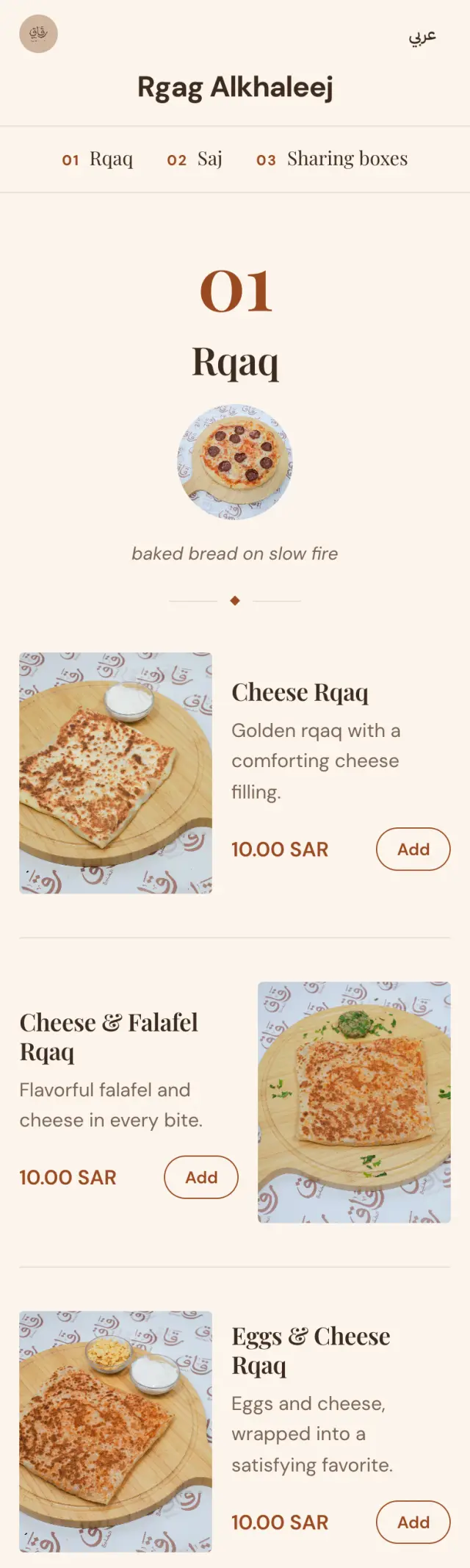
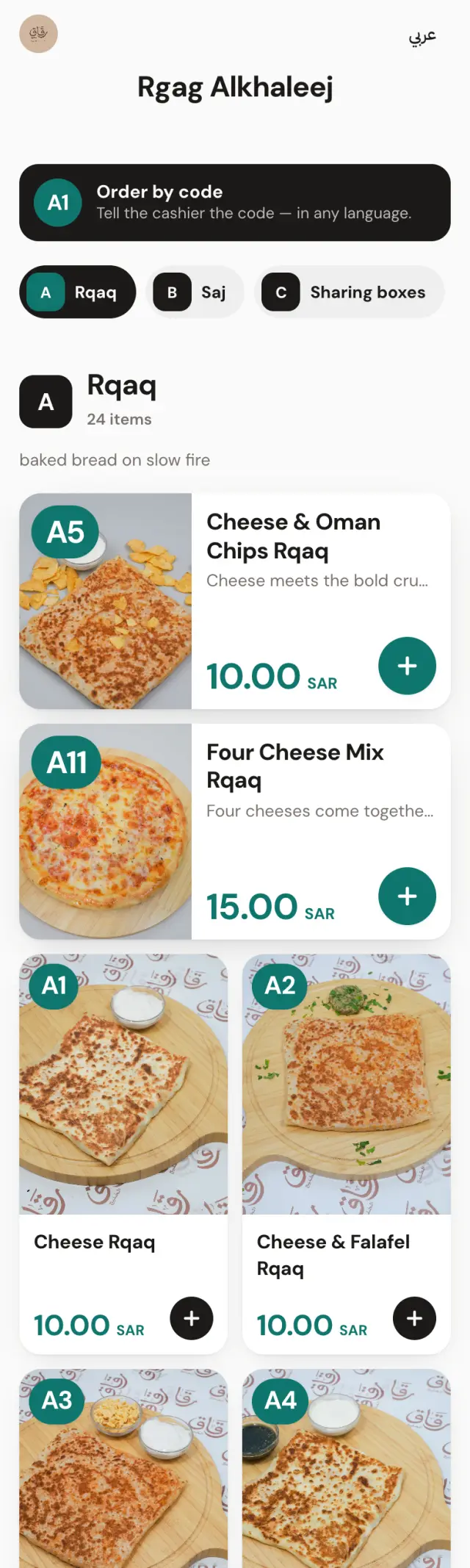
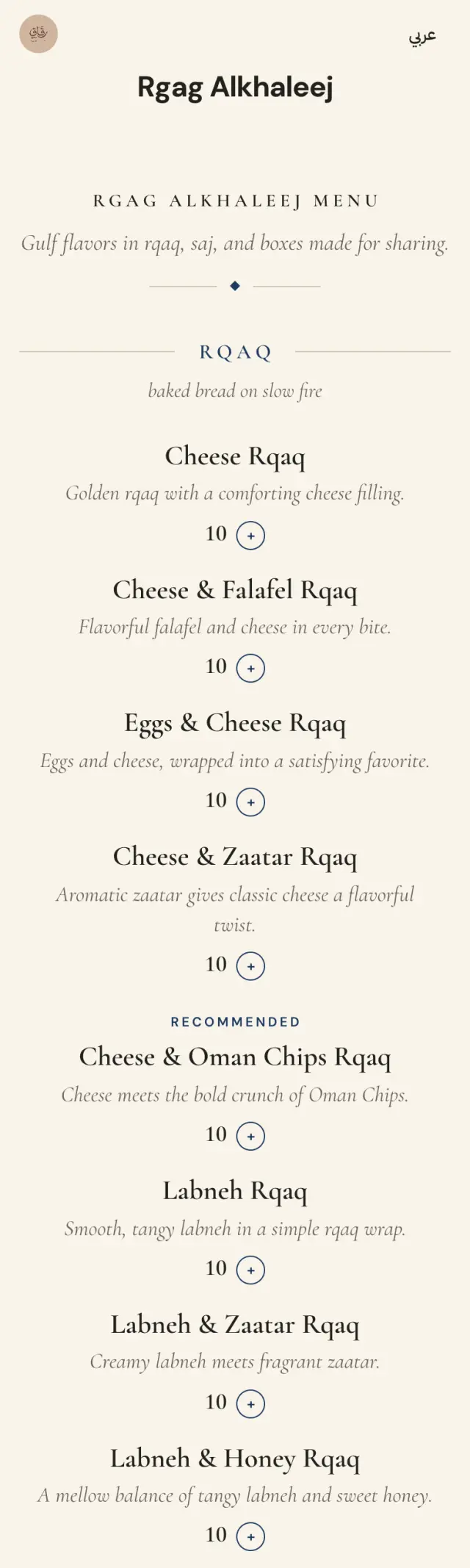
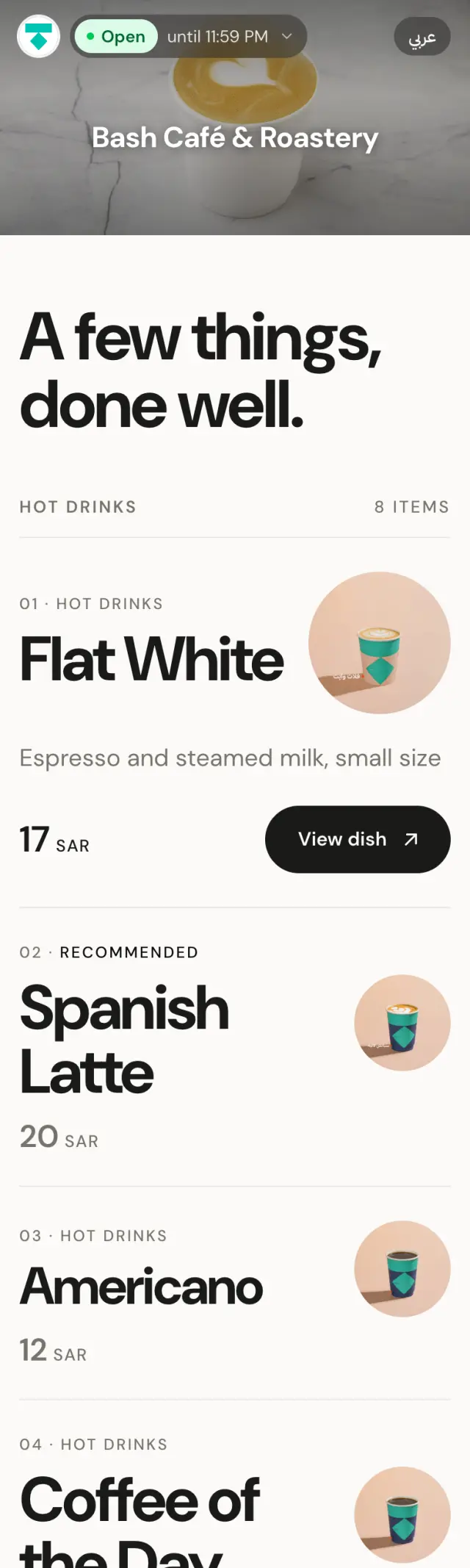
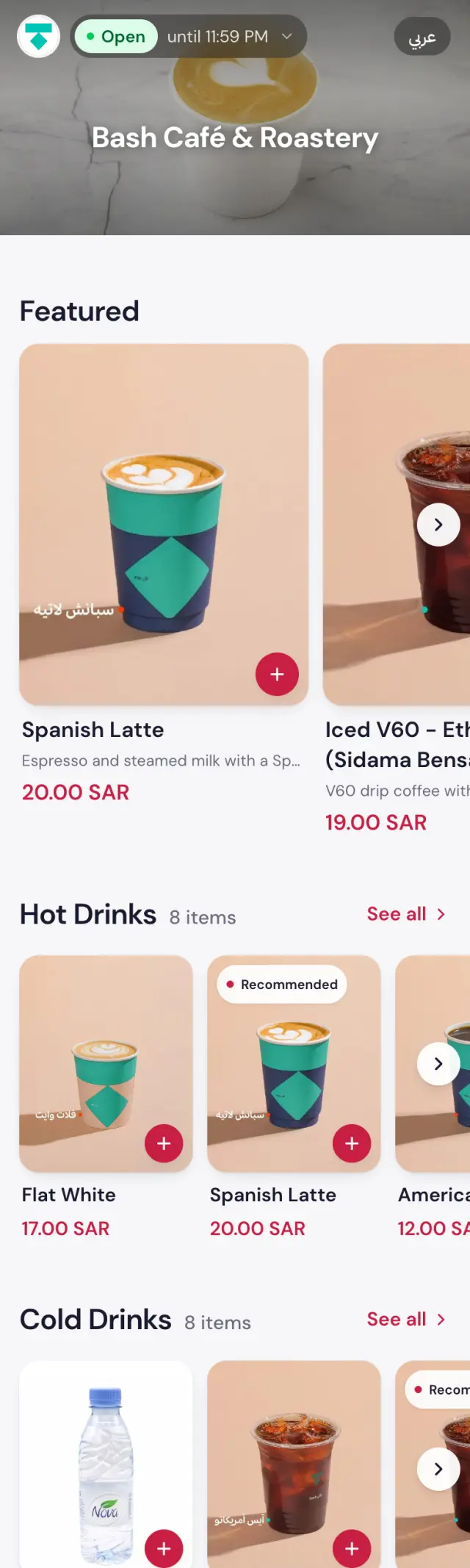
A chalkboard. A printed carte. A photo mosaic. A deck you swipe. Sixteen layouts, each built for a different kind of place.
Layouts & Yella Design
Your menu shouldn’t either. Sixteen layouts and a full design studio, so the first thing a guest sees is unmistakably you.
Why it matters
You chose the chairs. The lighting. The cups. The playlist. Then the guest scans a code and gets the same grid as the place next door. We built the part that was missing.

Lookbook
01 / 06
A chalkboard. A printed carte. A photo mosaic. A deck you swipe. Sixteen layouts, each built for a different kind of place.
02 / 06
Start from a palette, pull one from your logo, or set every colour by hand. You see every change before you publish.
03 / 06
Six menu fonts, three of them Arabic. Size, weight and style for dish names, prices, descriptions and headings, each on its own.
04 / 06
Paper stock, dark surfaces, cover photos, card corners, button shapes. The small decisions that make a design feel considered.
05 / 06
Save a look for Ramadan, Eid or National Day and schedule it. It goes live on the date and steps back on its own.
06 / 06
Every layout is designed right-to-left and left-to-right. Your Arabic menu is not a translation of the English one. It is the same design.
Same platform. Nothing in common.
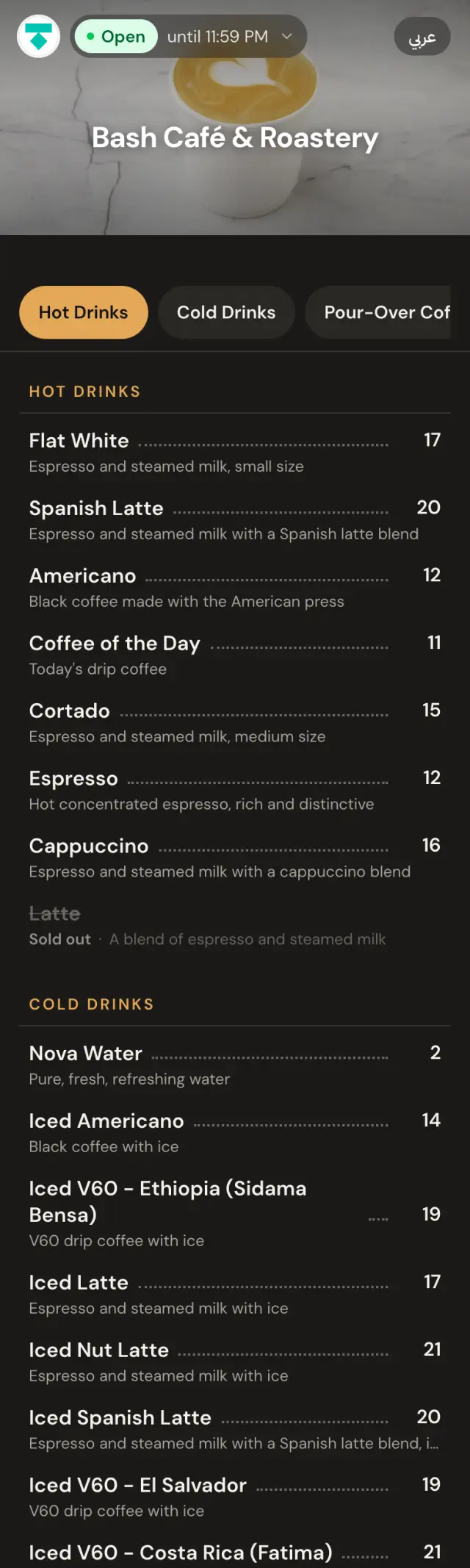
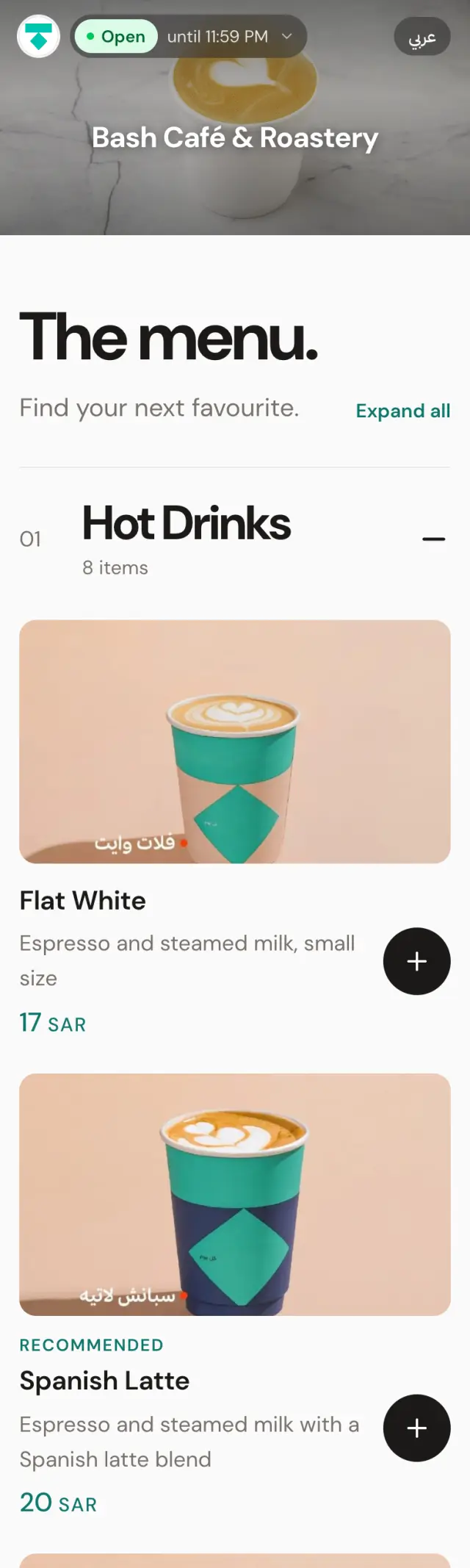
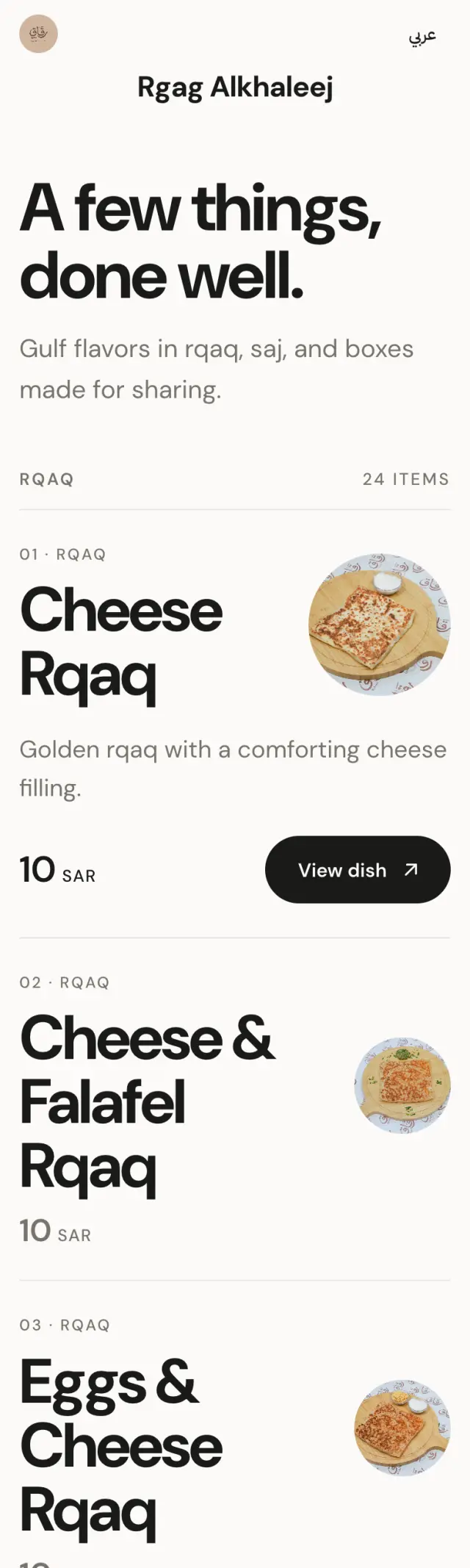
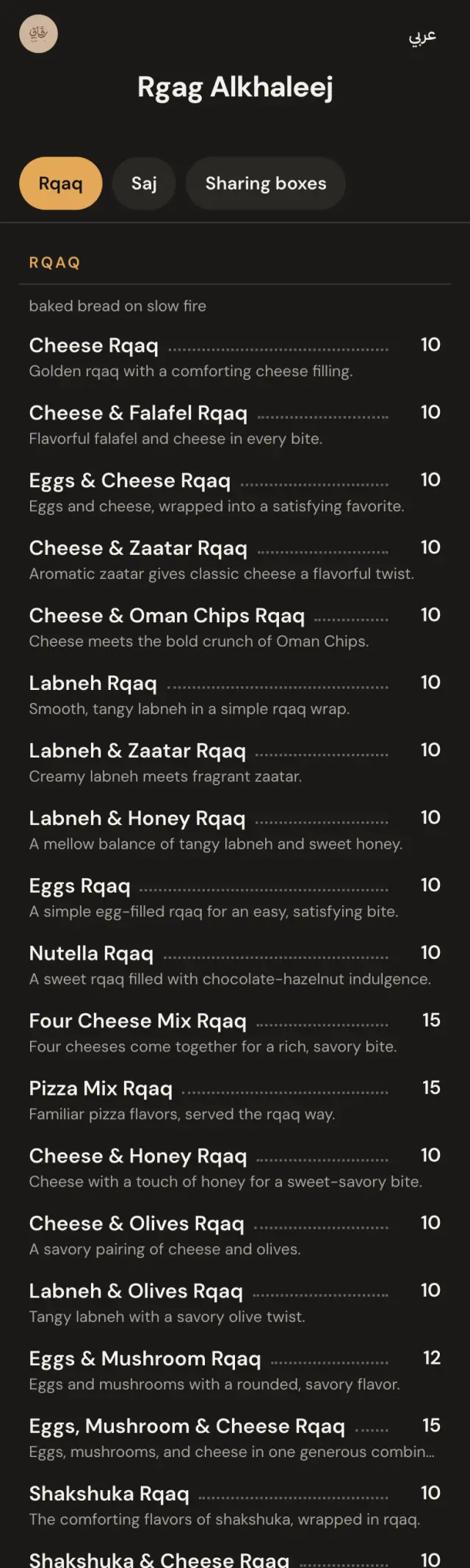
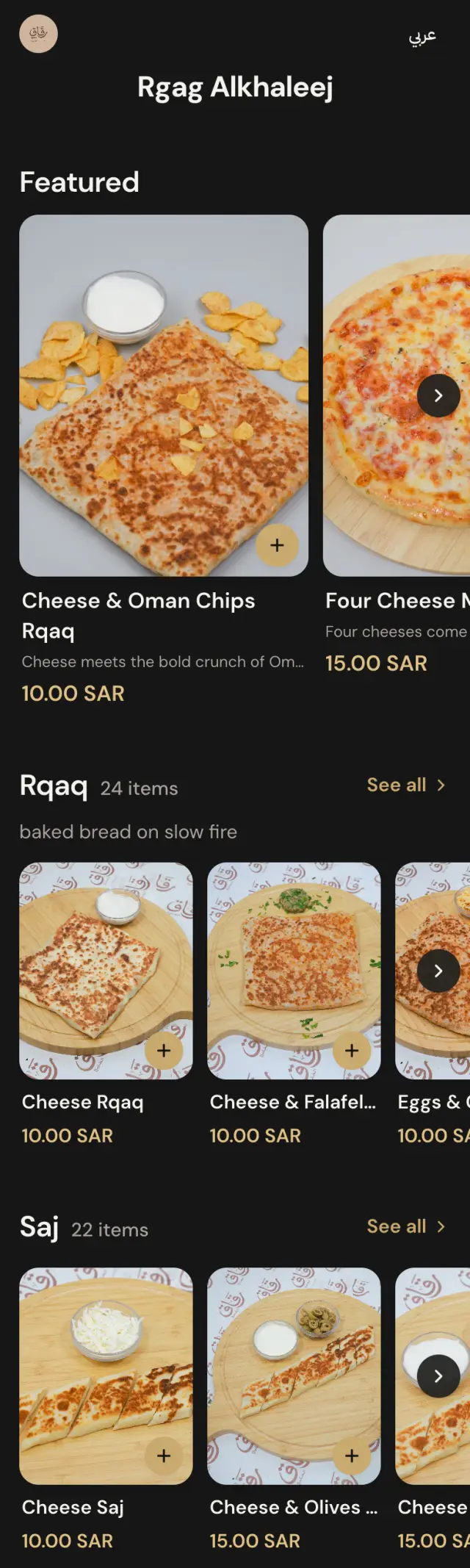
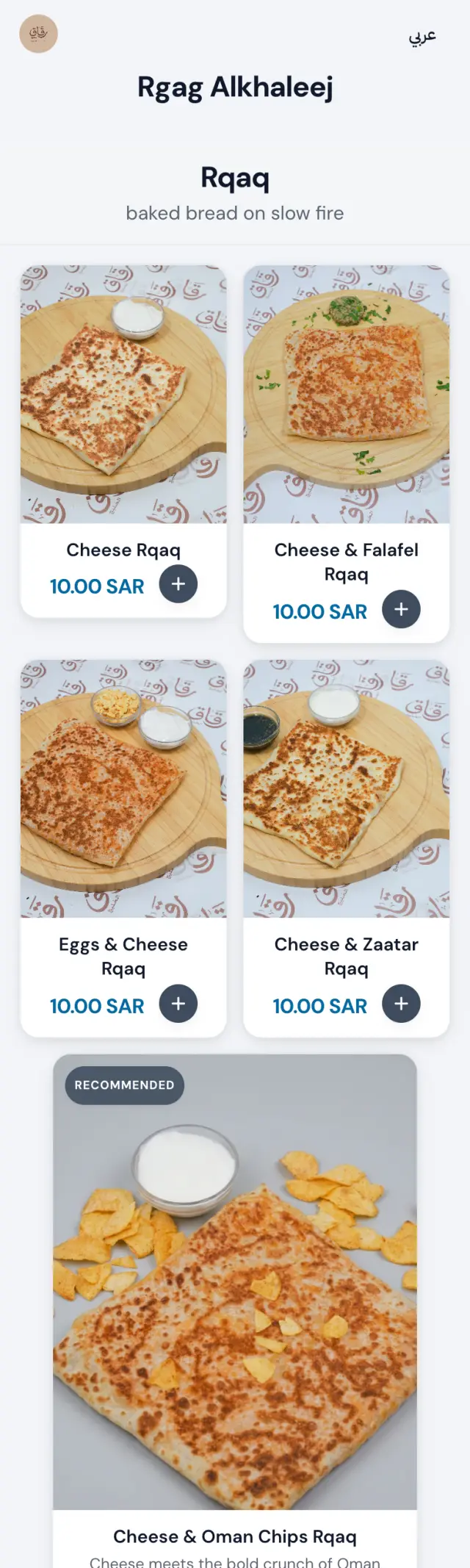
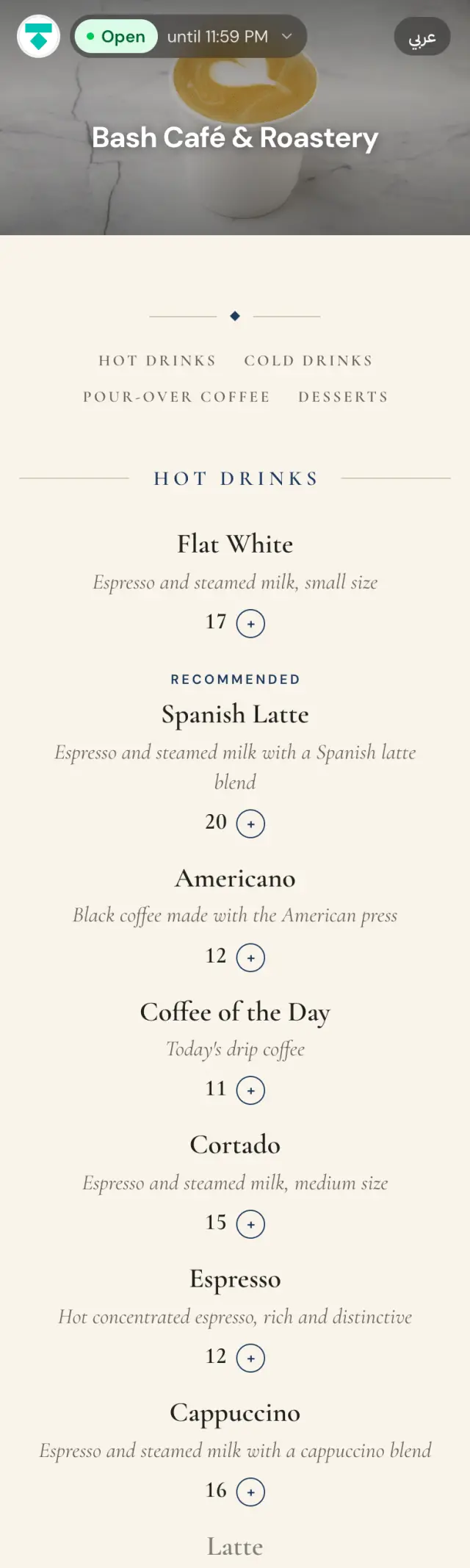
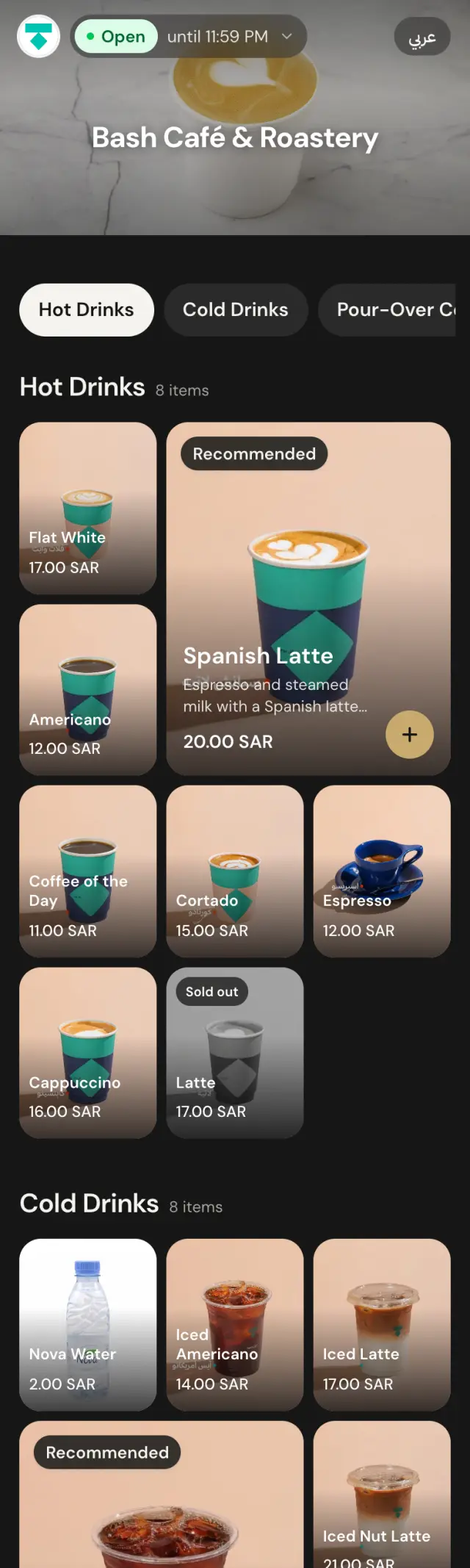
Two example menus. Neither looks like a template, and neither looks like the other.
Bash Café & RoasterySpecialty coffee · Example
Rgag AlkhaleejGulf bakery · Example
Yella Design
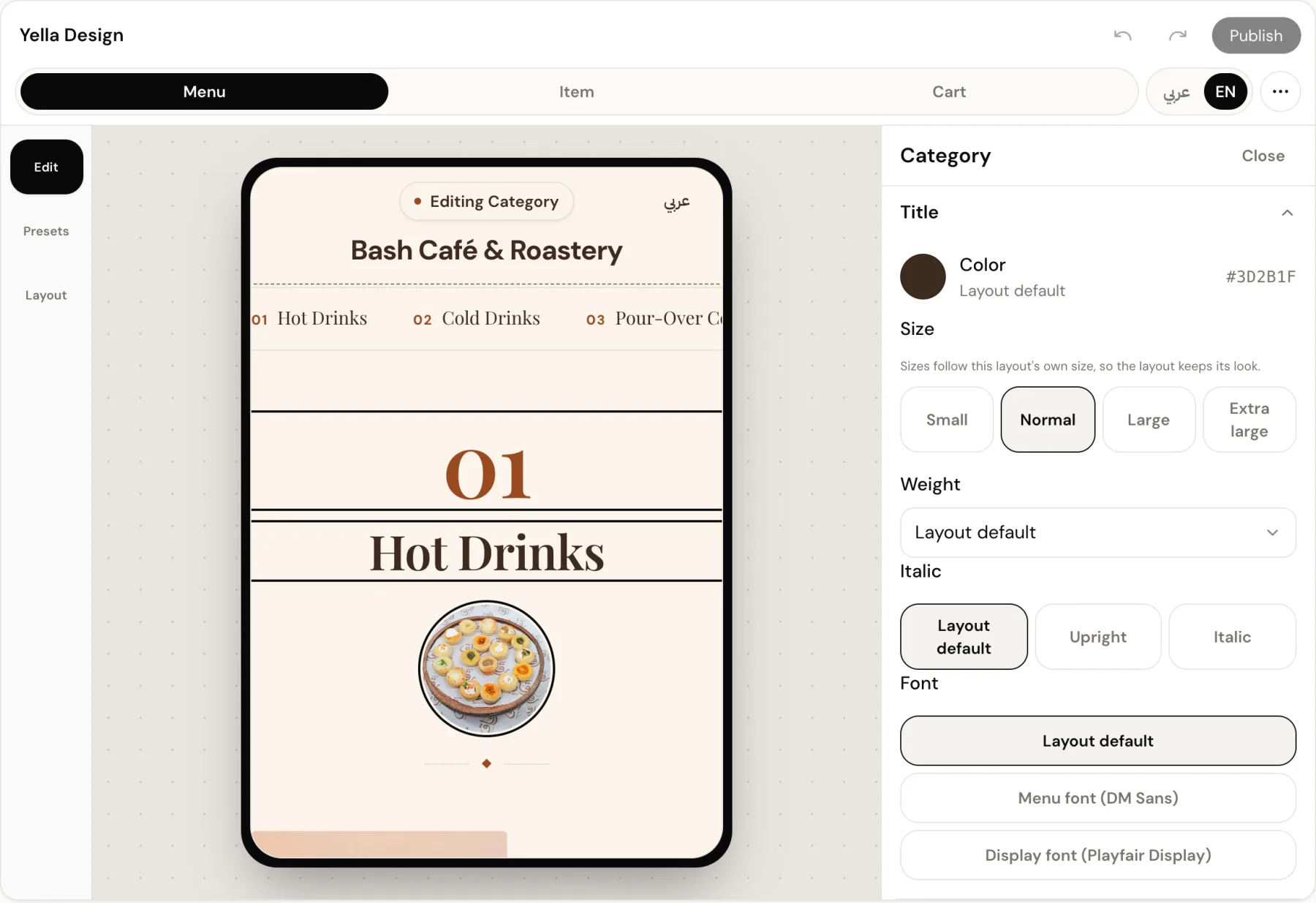
Not a settings page. A canvas. Your real menu on one side, every control on the other. Click the thing you want to change, change it, see it.
See it on your own dishes
Screens are real captures of the Bash Café example menu. The live menu may differ.
No. Start from a ready palette or from the colours of your logo, then change what you want. Every change shows on the preview right away, and you can undo it.
Looks made from your logo are tuned to stay readable. Every colour you pick shows right away on the menu preview before you publish, so you judge it yourself.
Yes. Save a design as a theme and schedule it with a start and end date. The menu shows it during that period, then returns to your everyday design by itself. You can save up to 30 themes.
Yes. Every layout is designed right-to-left for Arabic and left-to-right for English, and the guest switches language with one tap.
Yes, any time. Your dishes, prices and photos stay as they are, and your colours and font carry over to the new layout. You see the result in the Studio before you publish.